Sign in


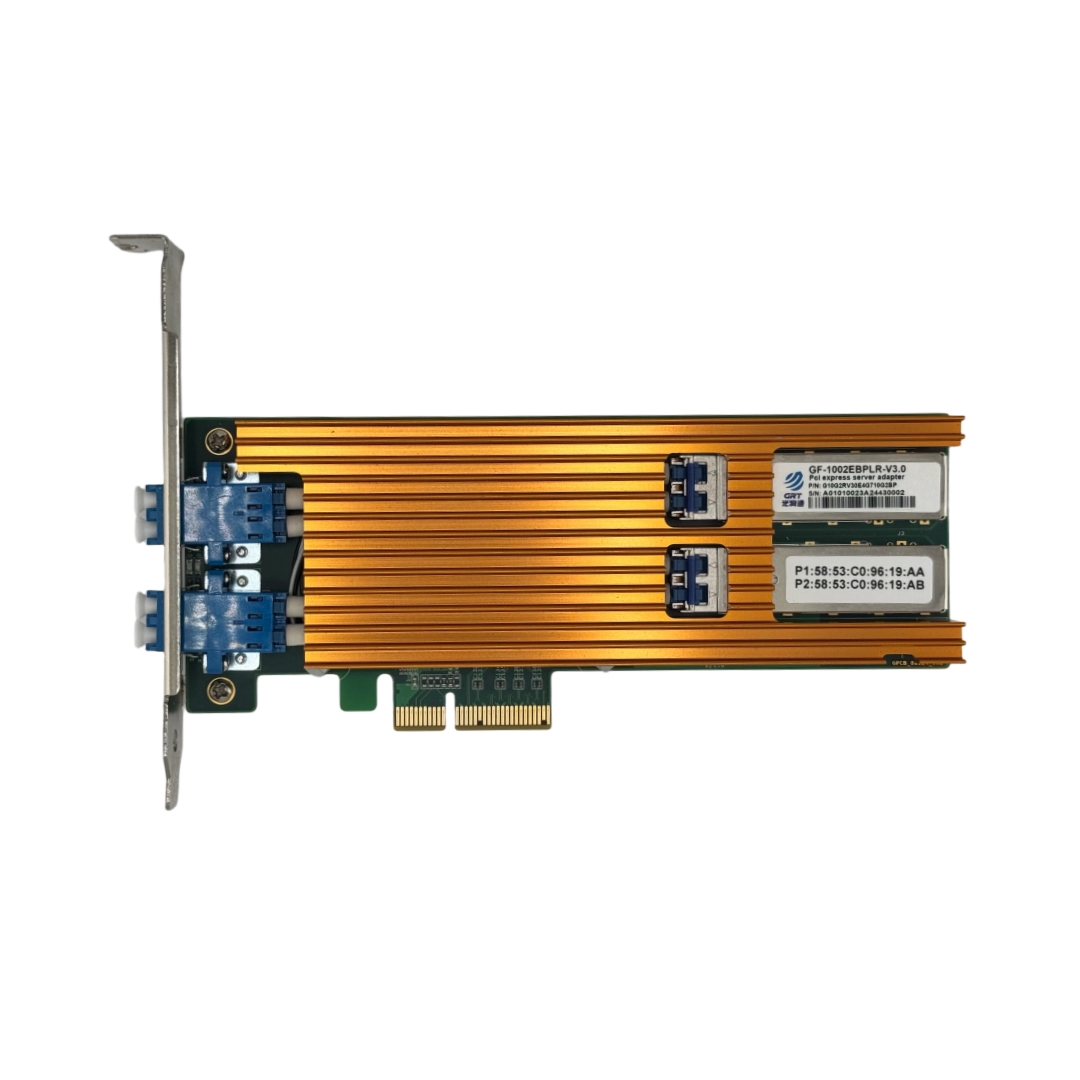
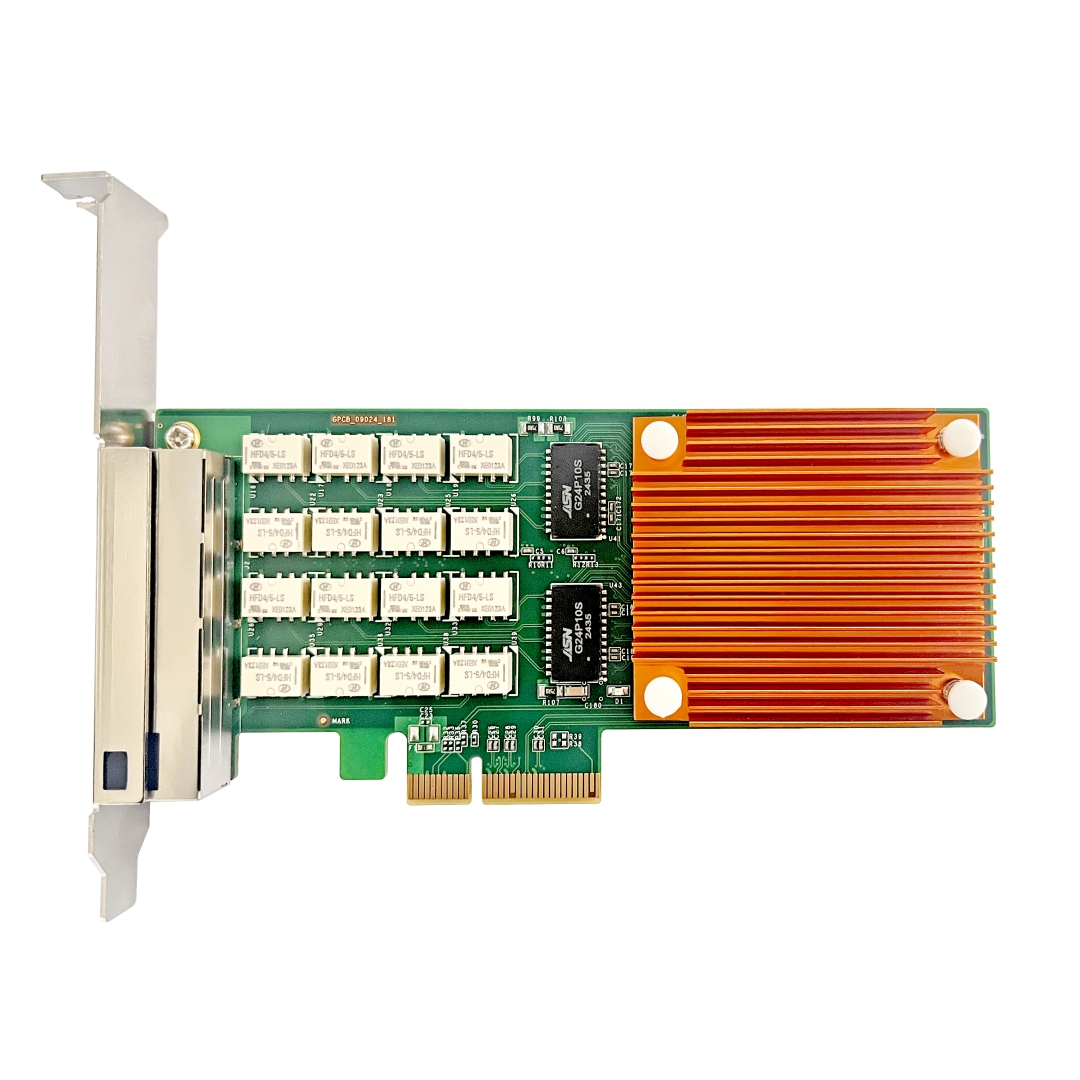
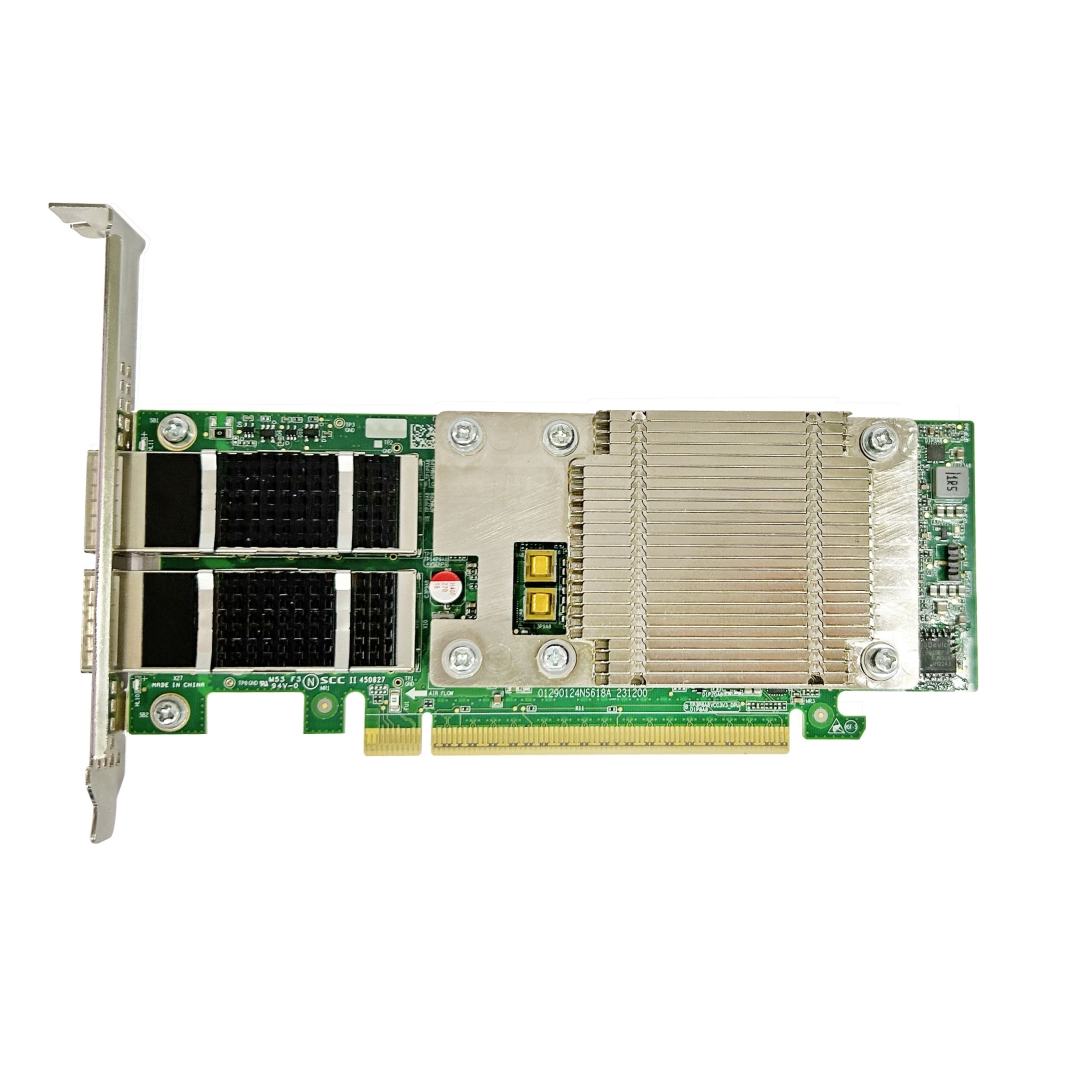
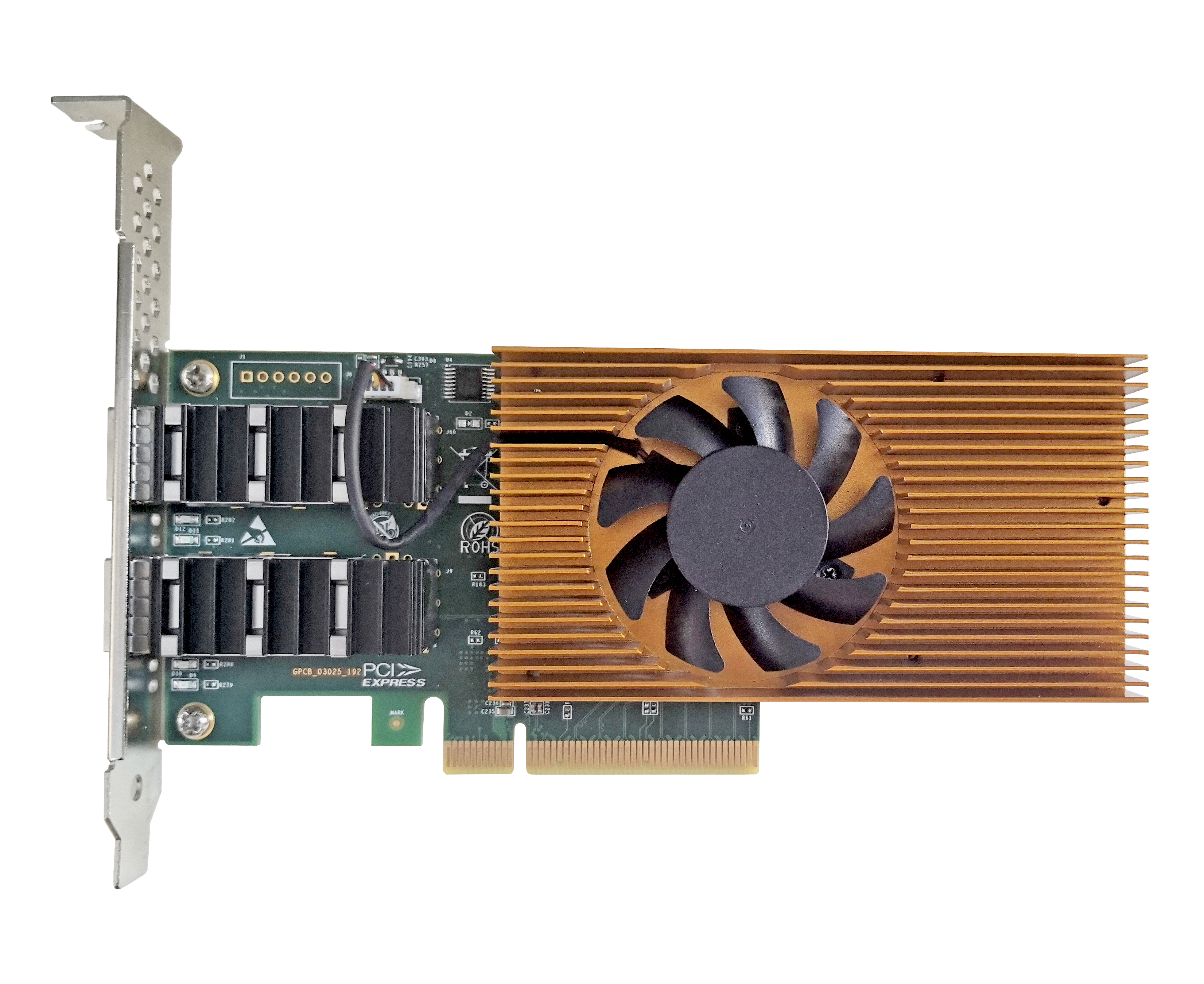

Overlooked Physical‑Layer Issues in Fiber NIC Deployment
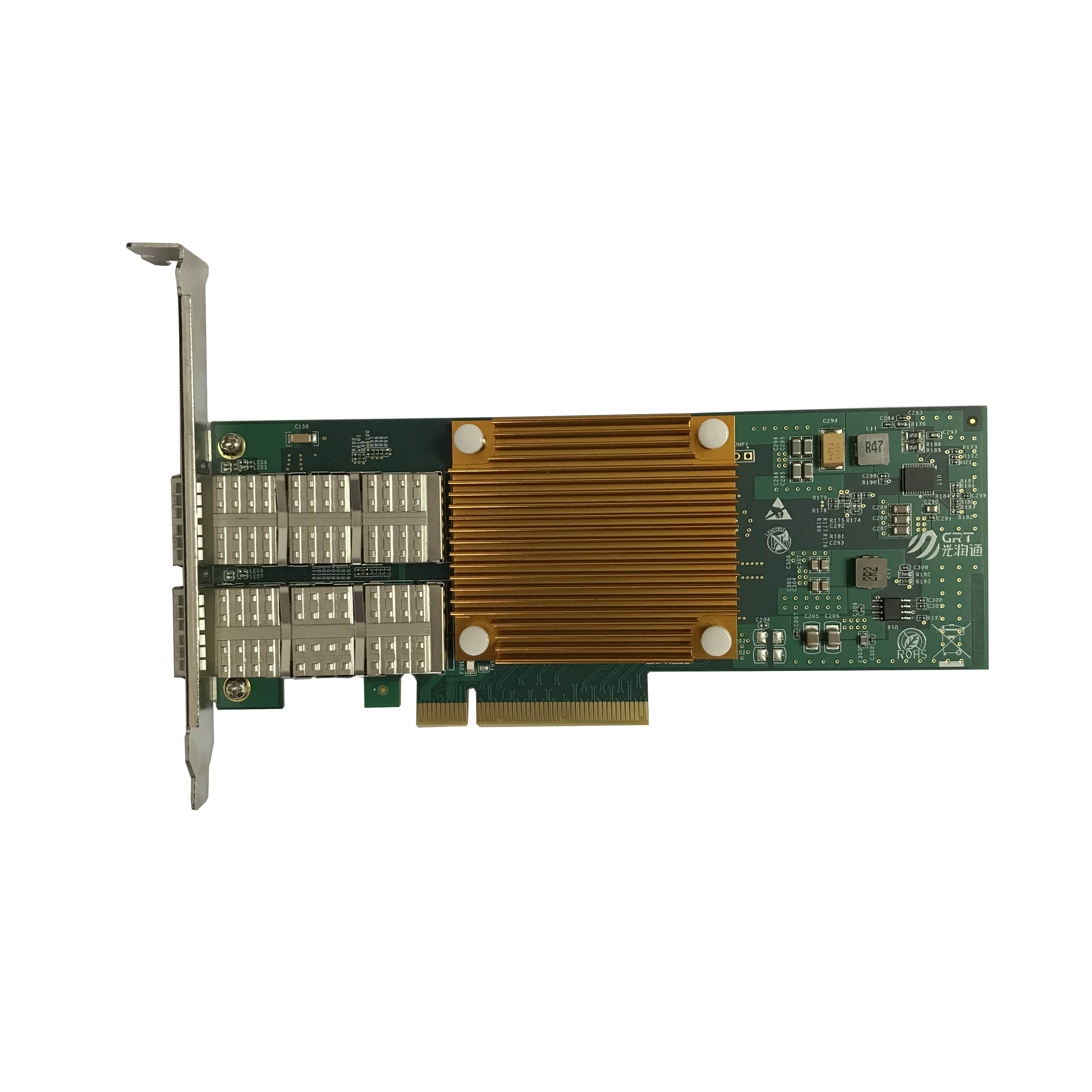
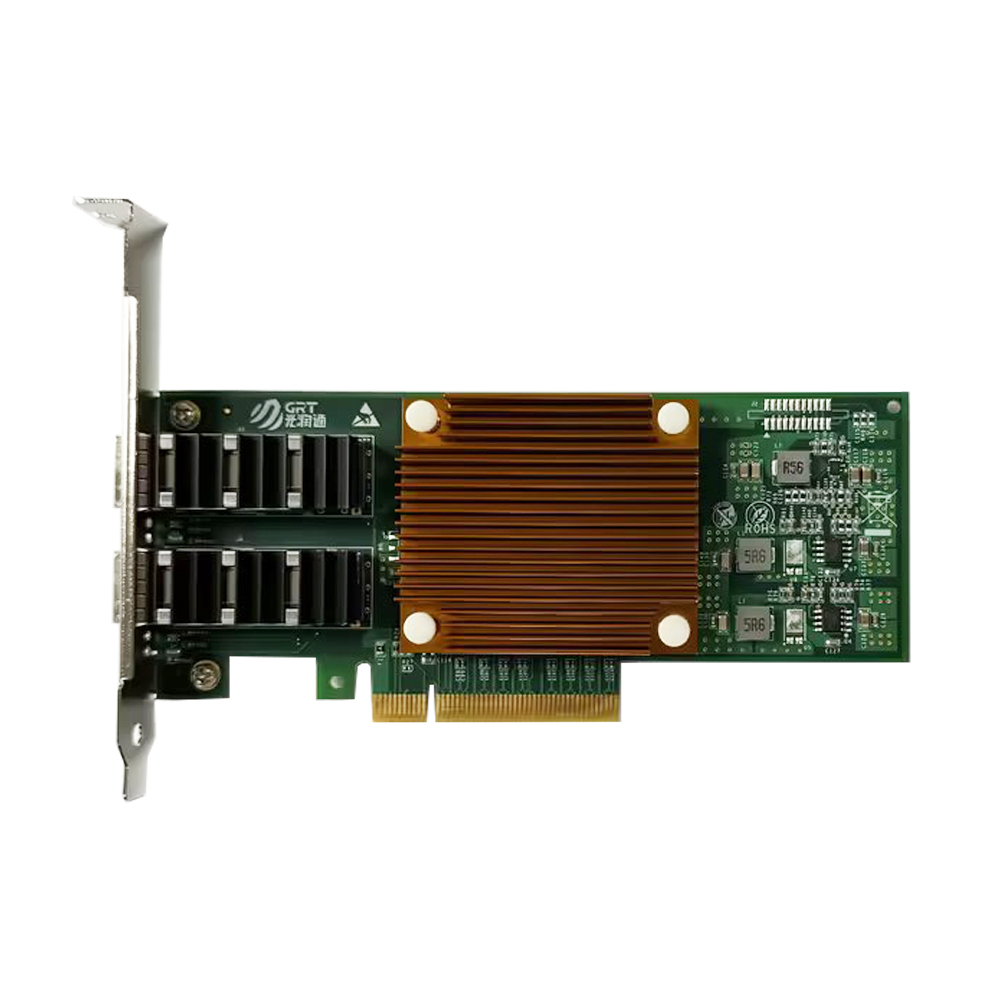
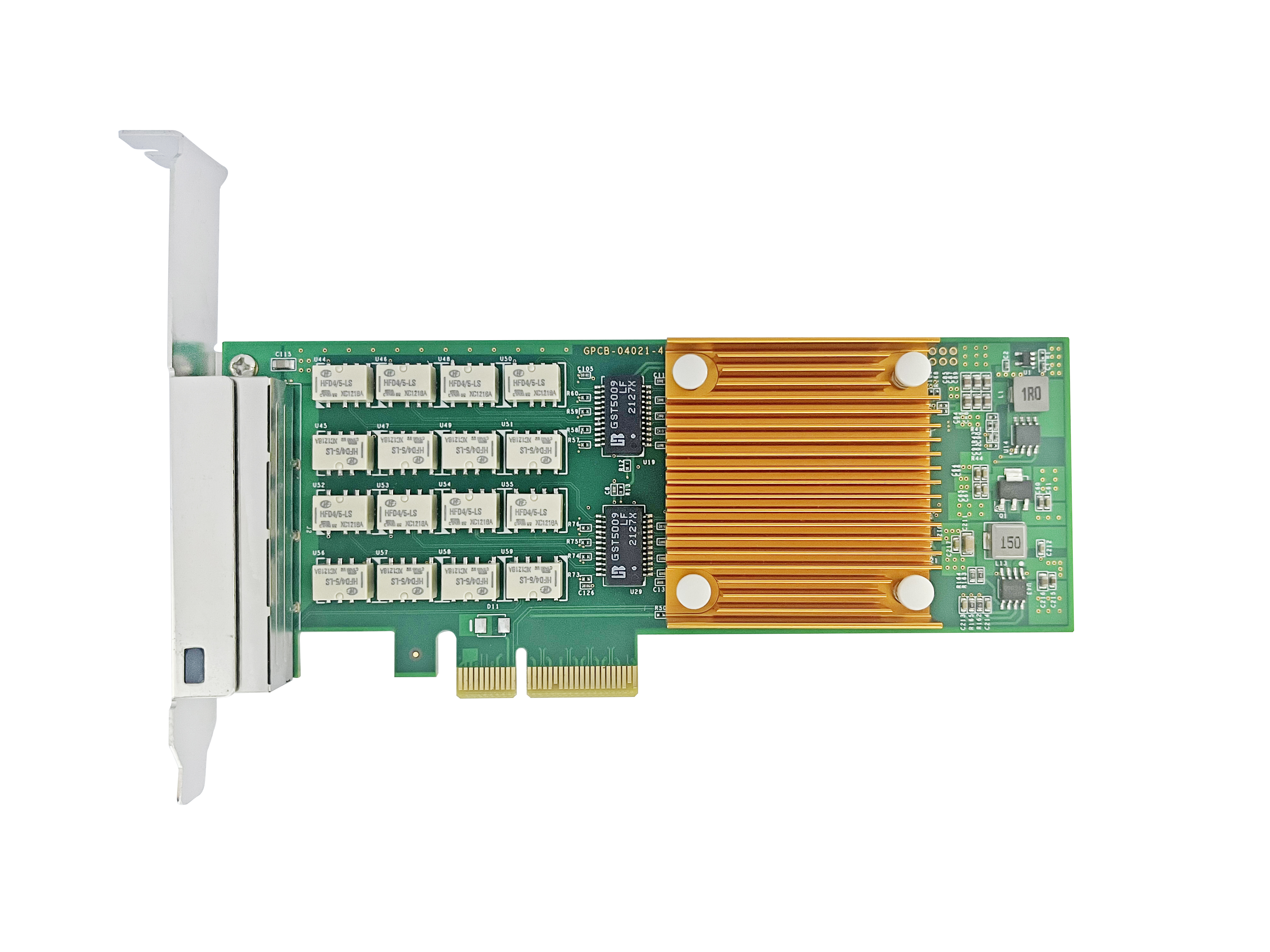
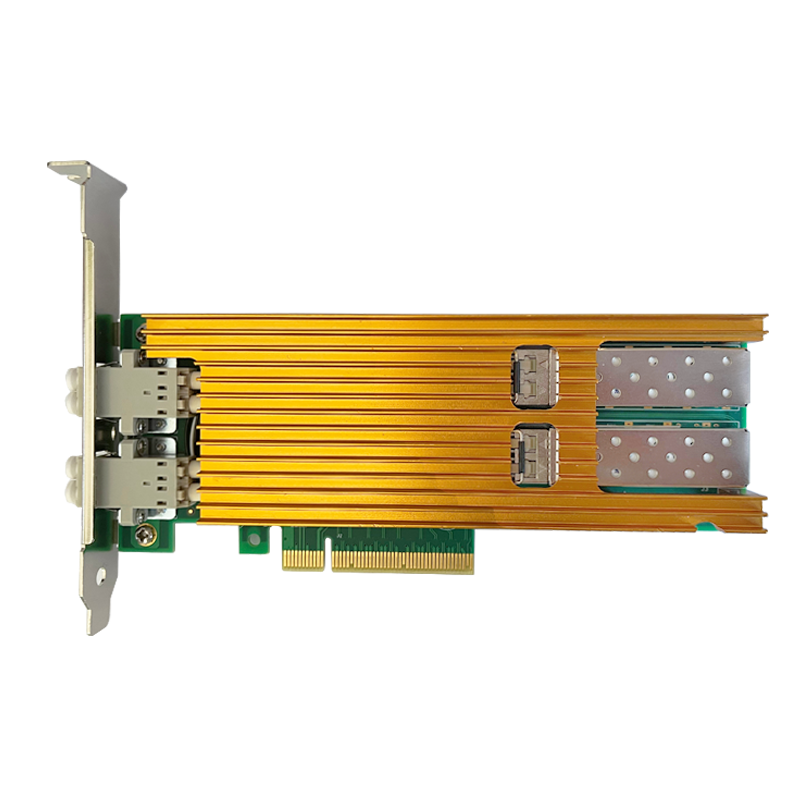
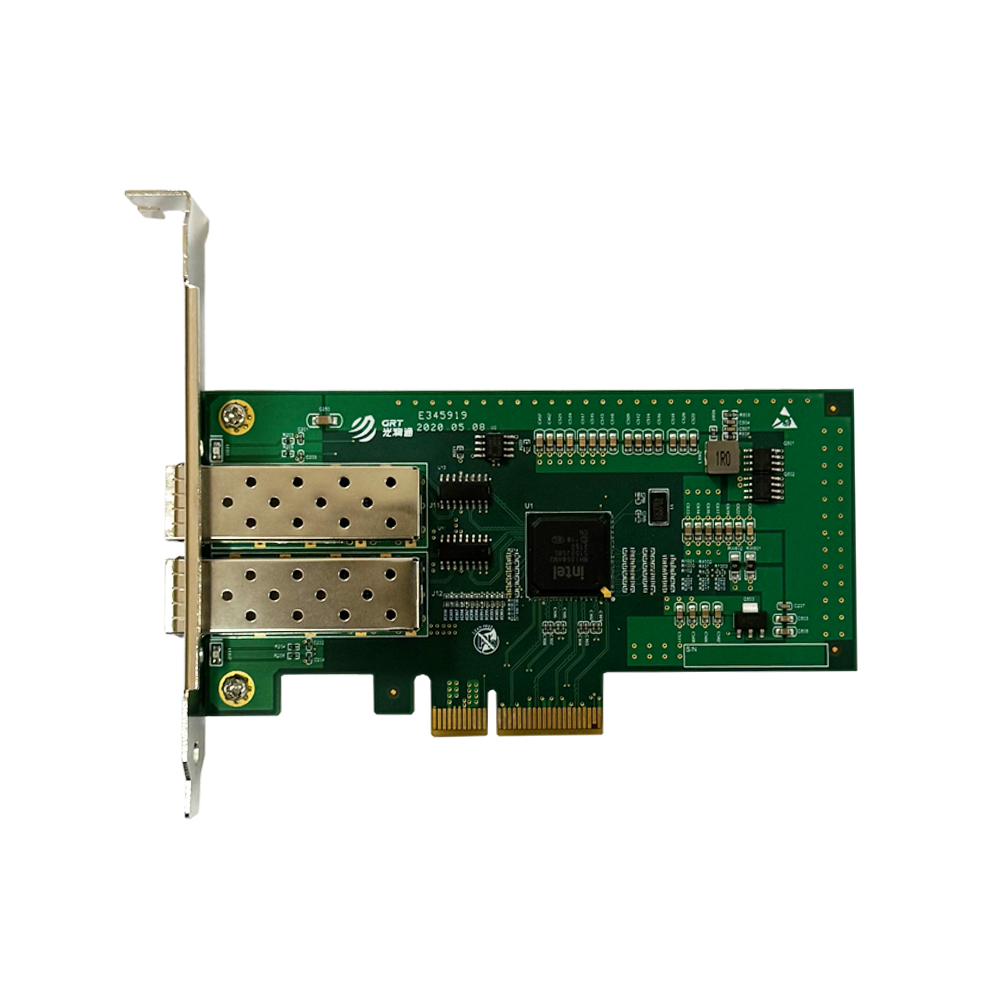
< BackIn daily enterprise network operation and maintenance, many complex network faults stem from physical‑layer problems. After a fiber NIC is installed on a server, situations such as system non‑recognition, intermittent network connectivity, or sub‑standard speed often occur not due to poor NIC quality, but because of mismatches and connection details at the physical layer. Drawing on numerous customer support cases, the technical support team at Guangruntong (GRT) Technology sorts out practical experience to help users avoid common pitfalls during real‑world deployment.
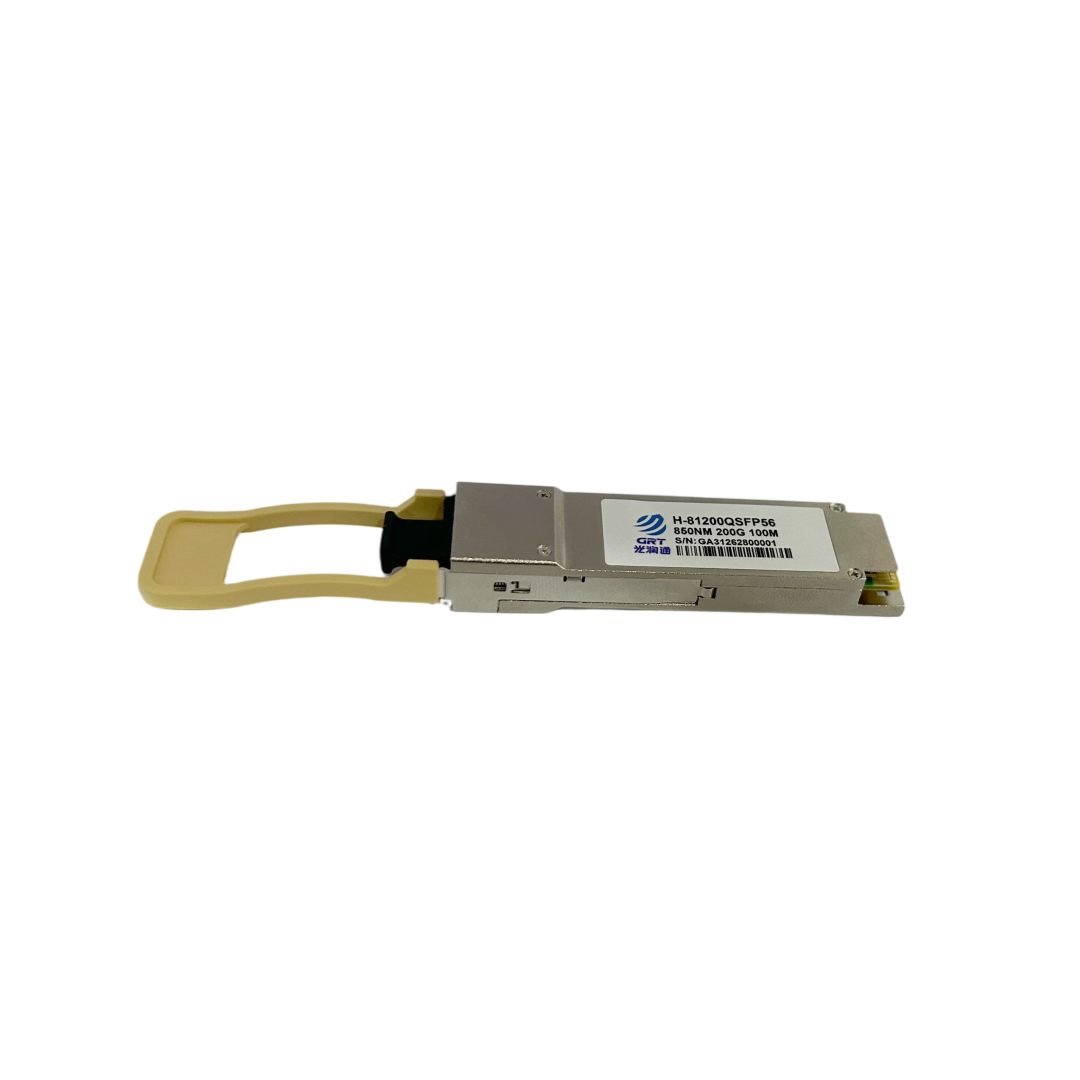
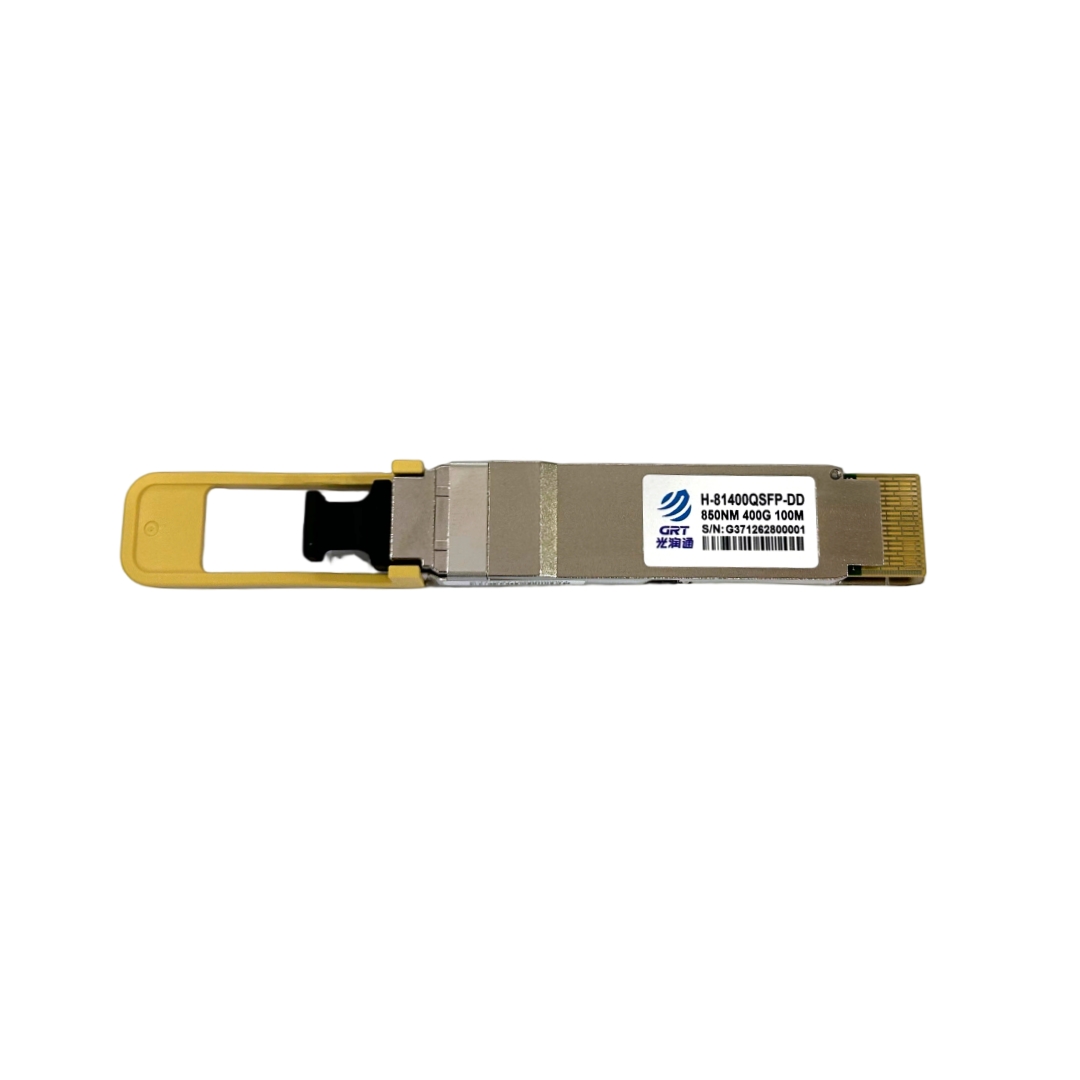
Optical Transceivers: More Than Just Plug‑and‑Play
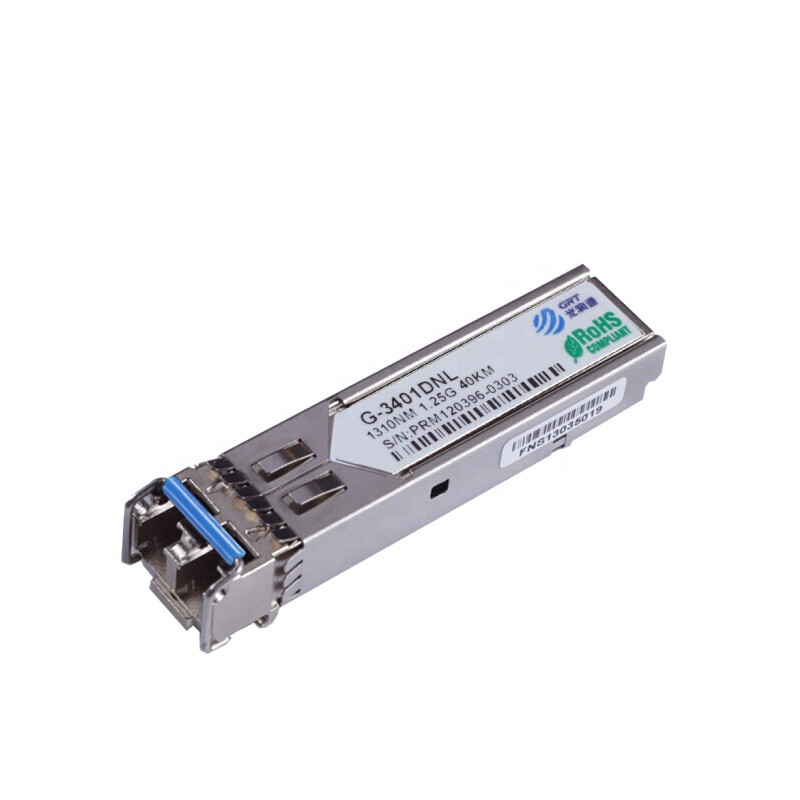
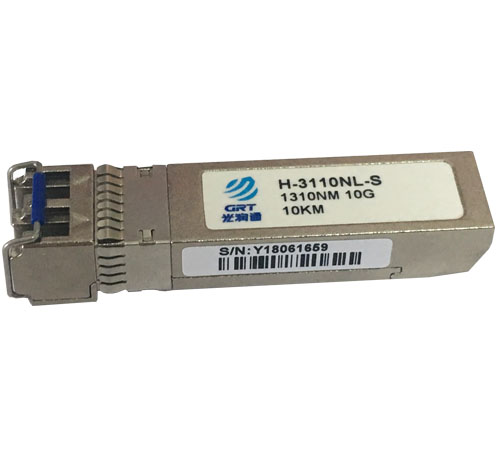
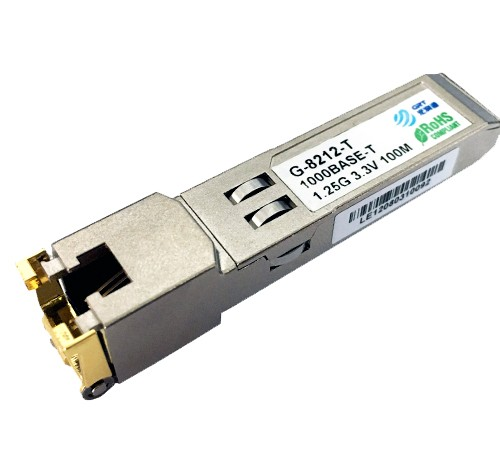
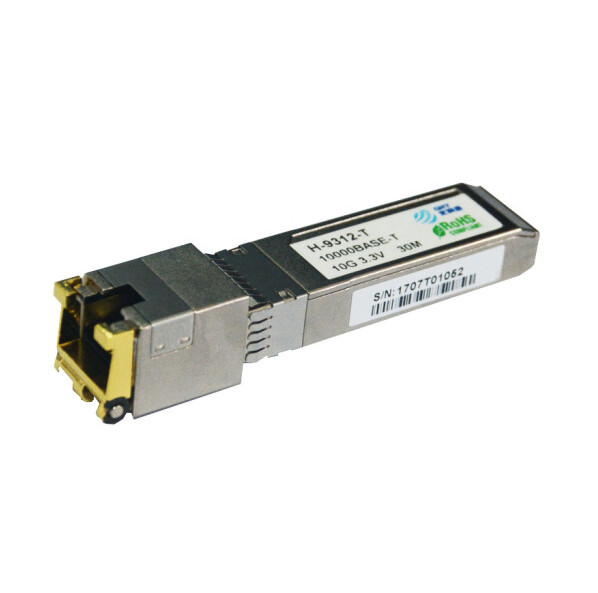
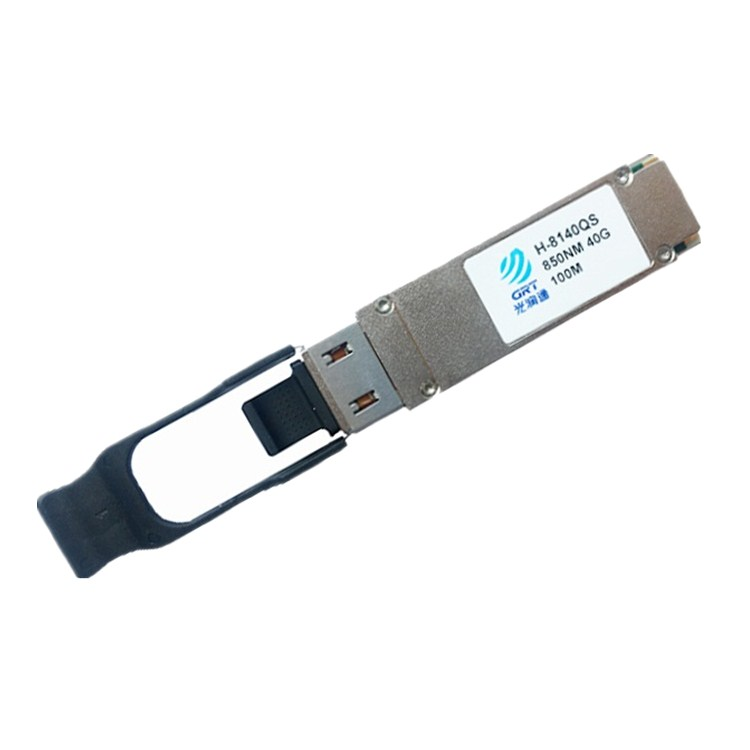
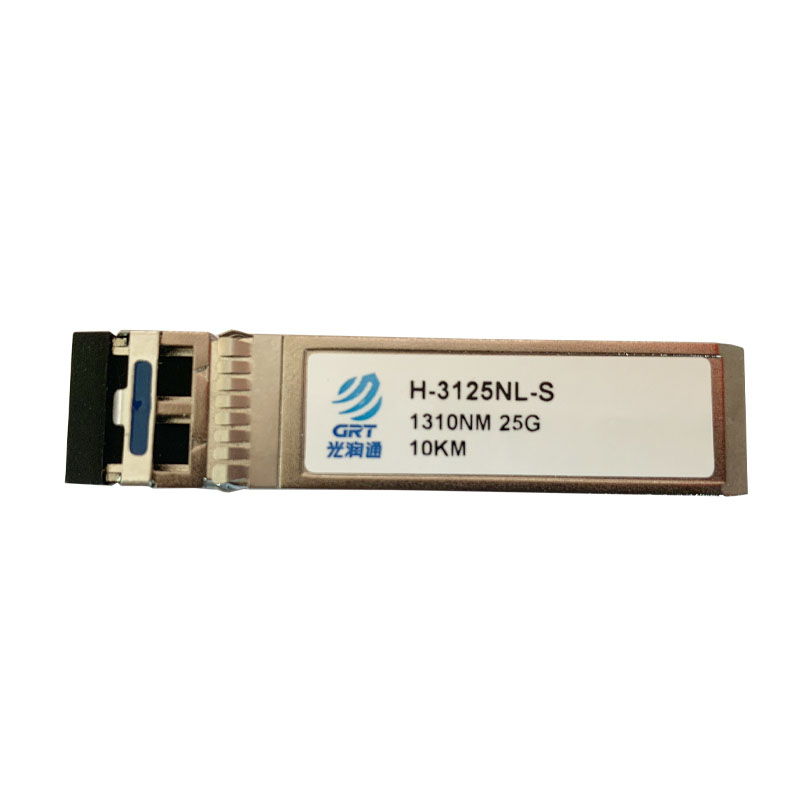
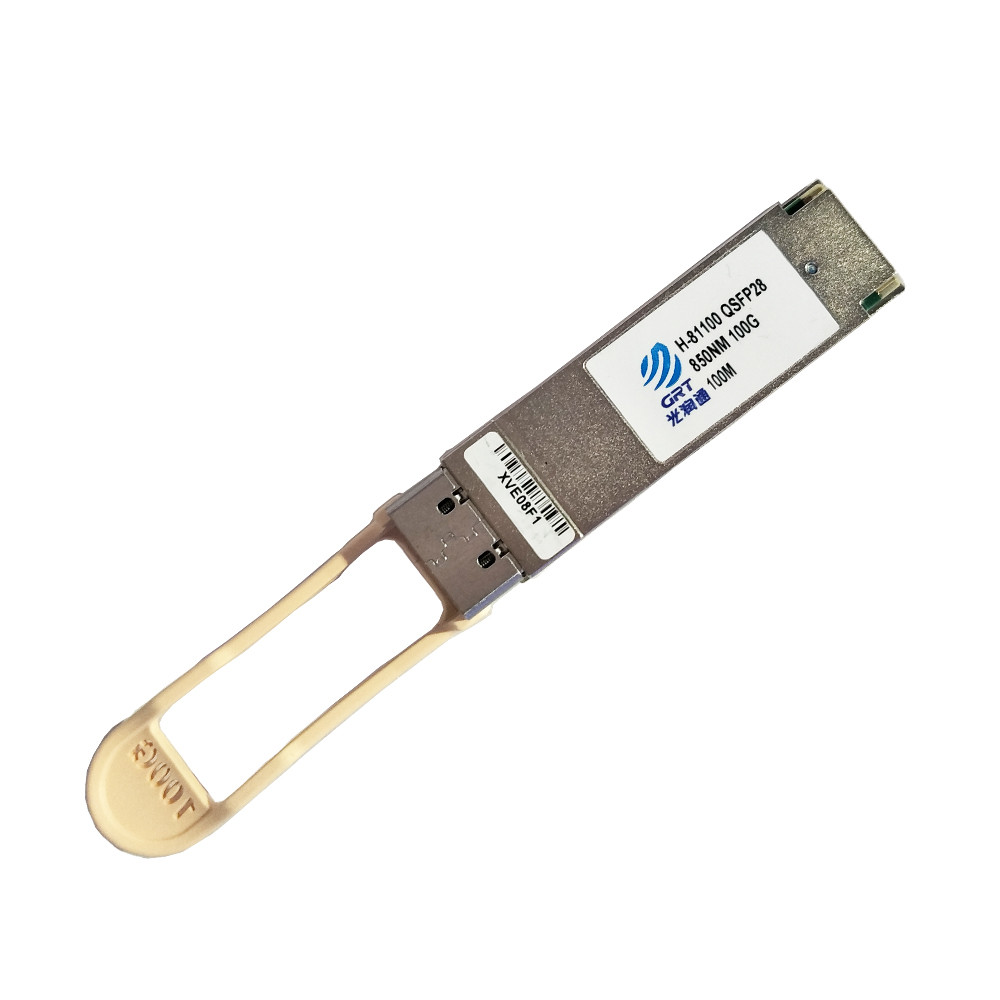
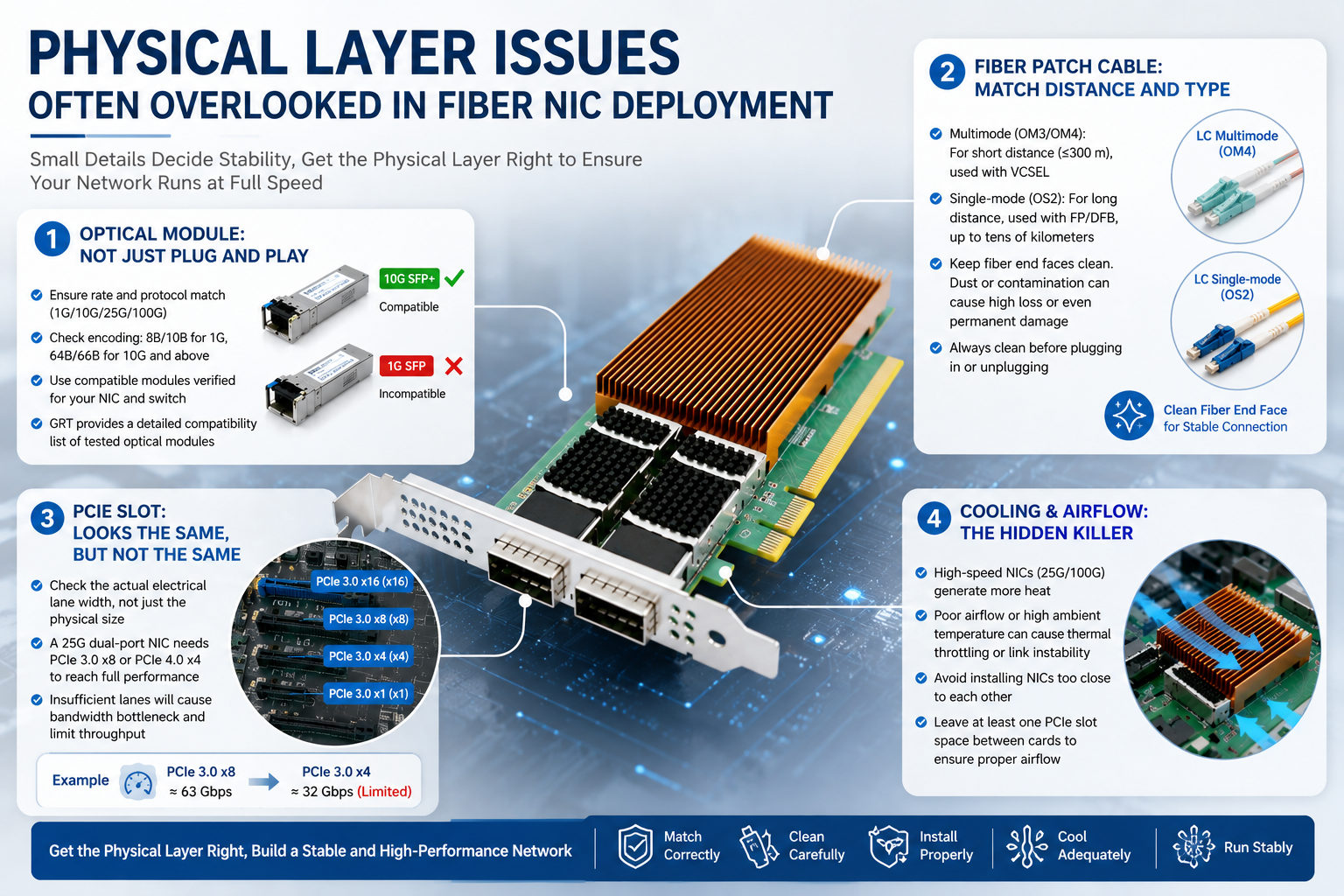
Small‑sized optical transceivers serve as core components of fiber links. The most frequent issues involve rate matching and protocol negotiation. SFP+ transceivers support both 1G and 10G speeds. Physically interchangeable, mismatched insertion (1G module into 10G port or vice versa) often causes link‑up failures or frequent alarm indicators.
Transceiver encoding schemes are frequently overlooked. Gigabit Ethernet adopts 8B/10B encoding, while 10‑Gigabit Ethernet uses 64B/66B encoding. Mismatched forced settings on both ends trigger massive CRC errors. When purchasing transceivers, clearly inform suppliers of your NIC and switch models for compatible firmware flashing. GRT provides a validated compatibility list of tested transceiver brands and models for reference.
Fiber Patch Cords: Matching Distance and Cable Type
Fiber cables are strictly categorized. Multimode fiber (OM3, OM4) suits short‑range transmission within 300 meters, paired with VCSEL lasers for cost‑effective deployment. Single‑mode fiber (OS2) supports long‑haul transmission up to tens of kilometers with FP or DFB lasers.
Mismatched combinations such as multimode transceivers over single‑mode fiber for short links or multimode fiber for long‑distance tasks result in insufficient optical power budget, bringing packet loss and unstable links. End‑face cleanliness is critical. Tiny dust particles carbonize under high‑power laser irradiation, leaving permanent residue and sharp signal attenuation. Operators should habitually clean fiber end‑faces with dedicated cleaning tools before every plug‑and‑unplug operation.
PCIe Slots: Identical‑Looking but Functionally Different
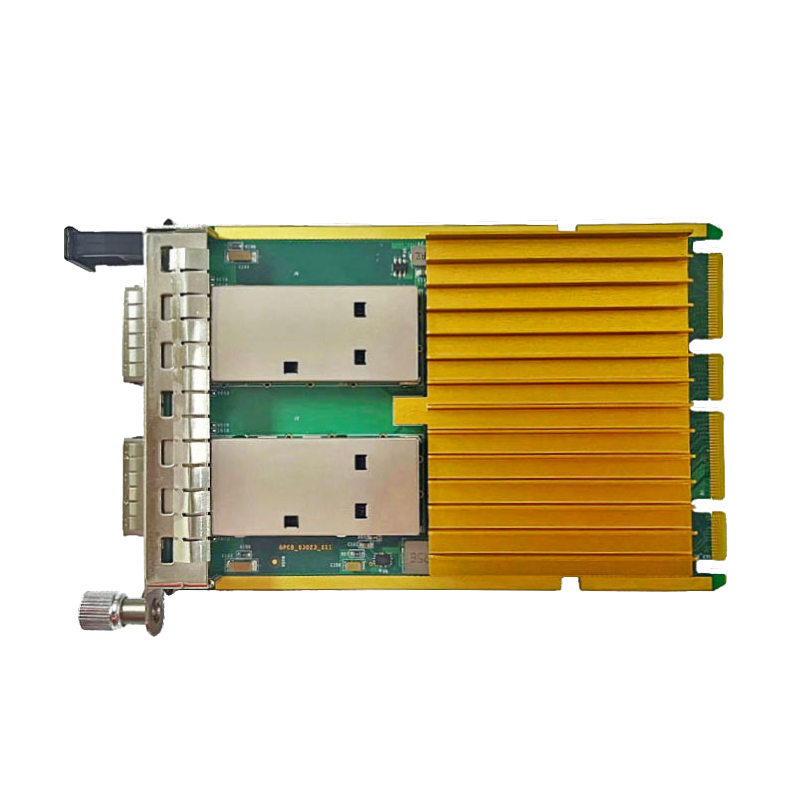
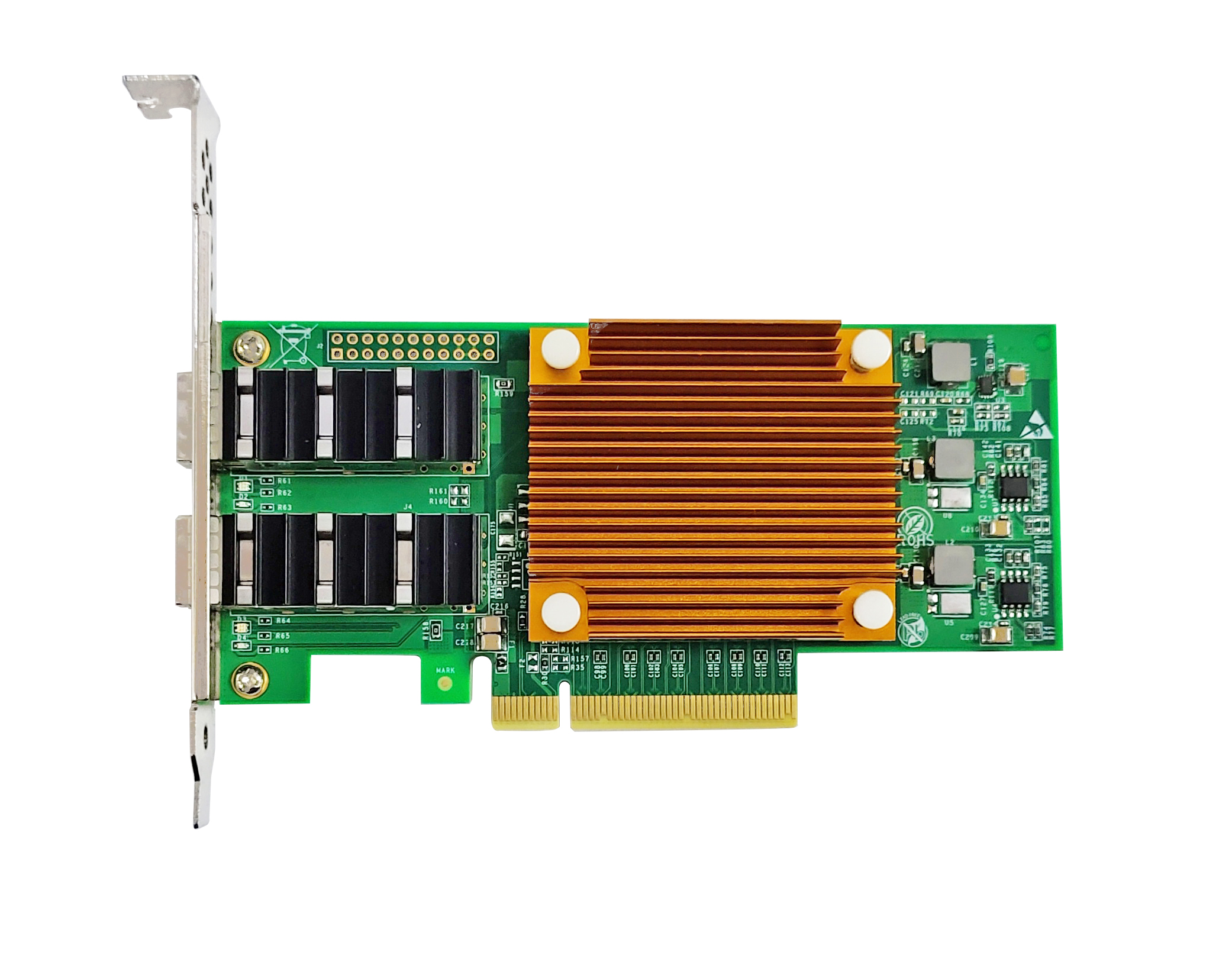
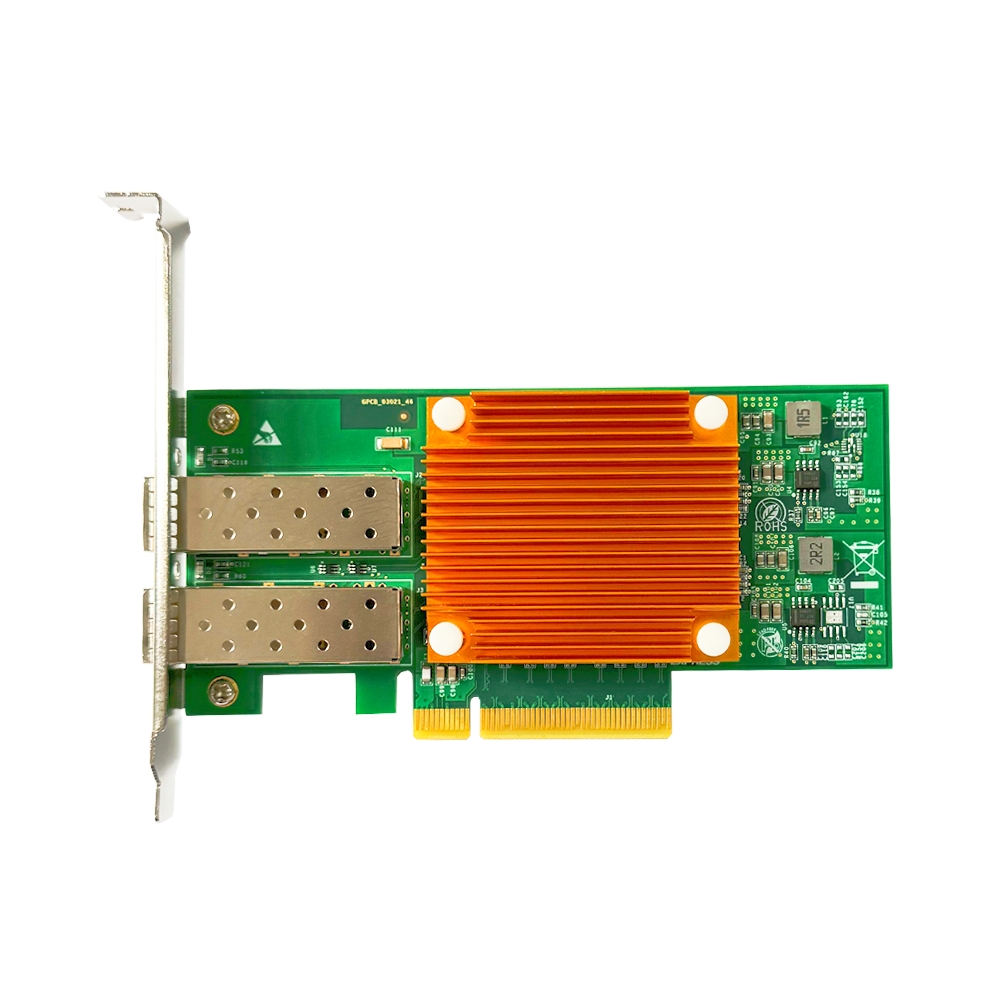
This detail is often neglected by hardware engineers. Many x16‑sized server motherboard slots only provide x4 or even x1 electrical lanes. A 25G dual‑port NIC requiring x8 bandwidth can be recognized normally but suffer severe performance bottlenecks under such conditions.
A 25G dual‑port NIC delivers nearly 50Gbps bidirectional throughput, requiring PCIe 3.0 x8 or PCIe 4.0 x4 bandwidth. Limited to PCIe 3.0 x4 lanes, maximum throughput drops to around 32Gbps and cannot reach line‑rate performance. Check motherboard manuals for actual electrical lane specifications instead of judging only by physical appearance before installation.
Thermal Dissipation & Airflow: Hidden Threats for High‑Speed NICs
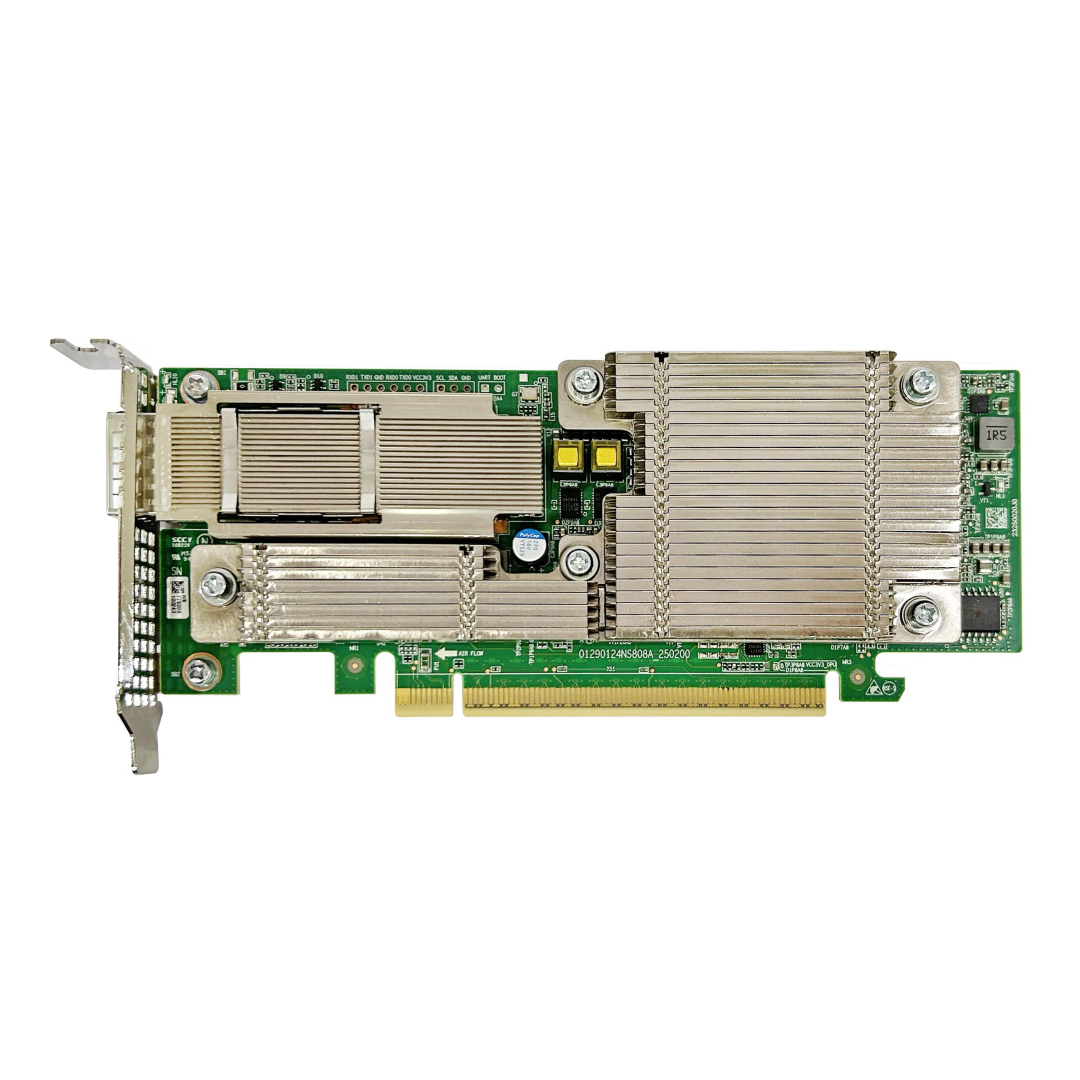
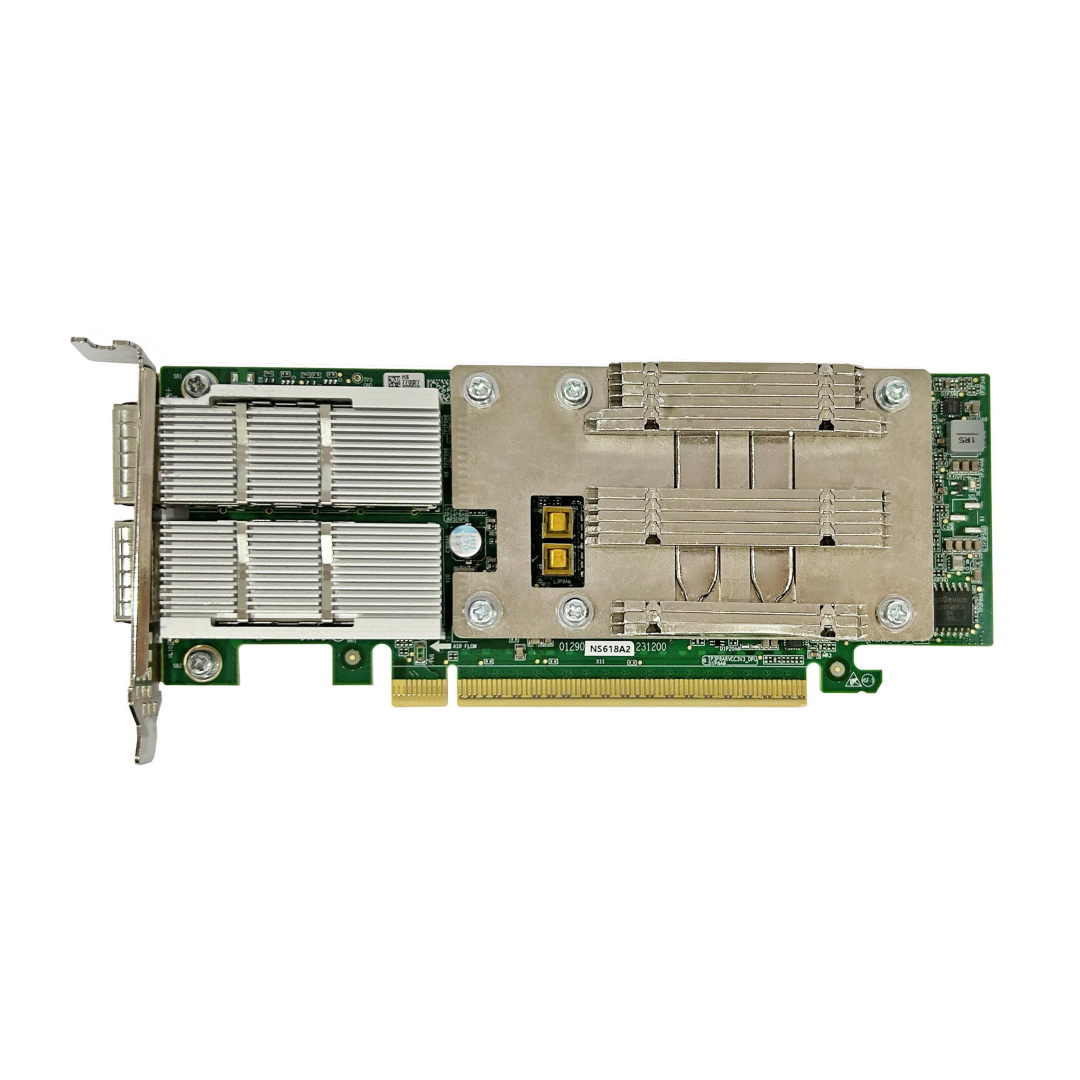
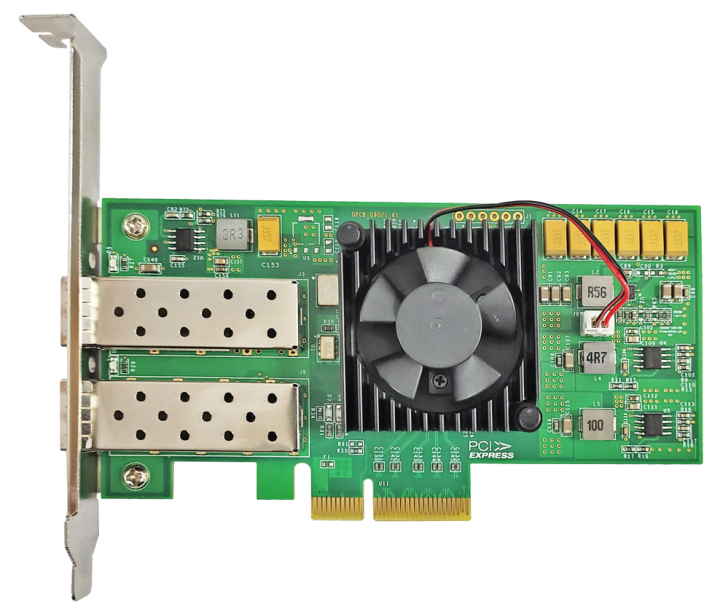
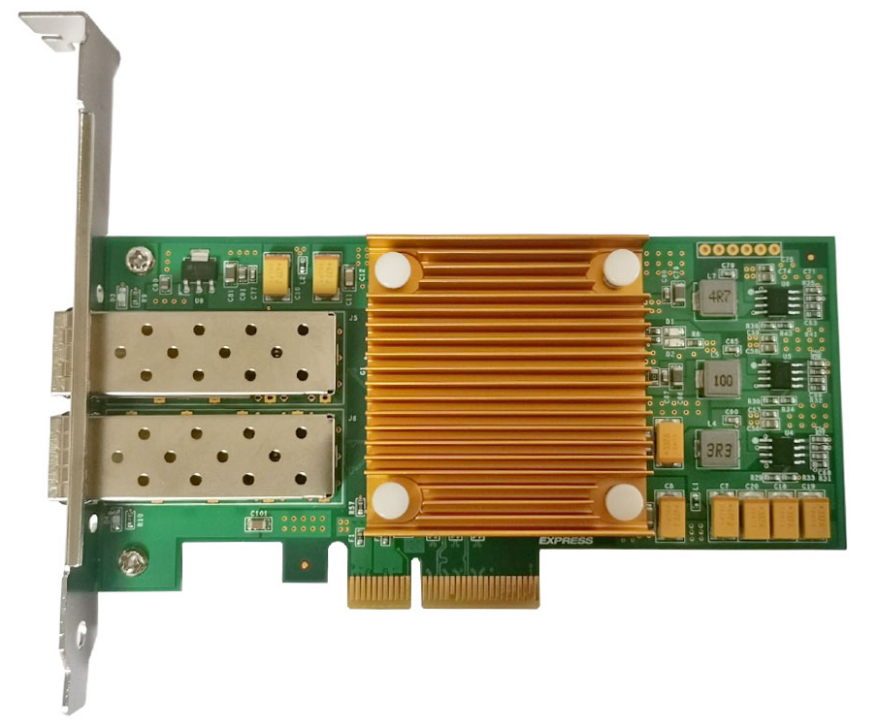
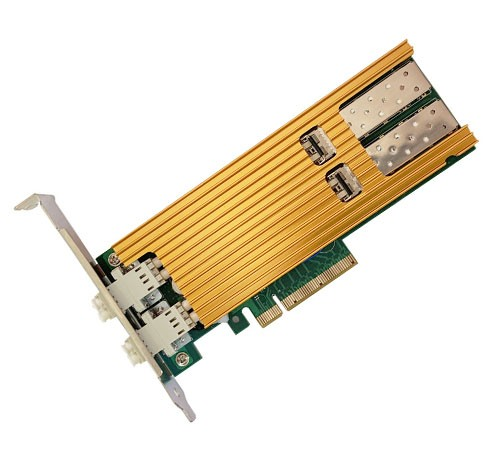
Power consumption rises alongside 25G / 100G NIC speeds; high‑speed adapters come with heat sinks or active fans. Located in the airflow path between CPUs and hard drives inside servers, NICs will throttle or shut down for hardware protection once chip temperature exceeds thresholds caused by fan malfunctions or excessive cabinet ambient temperature.
Installing two NICs tightly adjacent to each other for space‑saving purposes causes poor heat dissipation and intermittent network outages. Leave one vacant PCIe slot between high‑density NIC installations to guarantee sufficient airflow.
Latest information
- Overlooked Physical‑Layer Issues in Fiber NIC Deployment
- Hidden Pitfalls in Fiber‑Optic Networks: Optical Transceiver Compatibility
- Compatibility Matching Between Fiber Network Cards and Switches
- How Enterprise‑Grade Fiber NICs Unlock True Server Performance
- Invisible Details Determine Network Adapter Stability
- What is the PTP Protocol and Which Guangruntong(GRT) Chips Support It?
- We are heading to LEAP 2026 in Riyadh, Saudi Arabia!
- Why Network Adapters Undergo ESD Testing